Travel destination email template
A long-form destination story for a tour operator. It reads like a magazine feature and ends with the trip itself, whose dates and price fill from a demo WordPress site. Export the HTML to Mailchimp, HubSpot, Klaviyo or any other ESP.
No account needed. Your changes stay in your browser until you export the HTML.
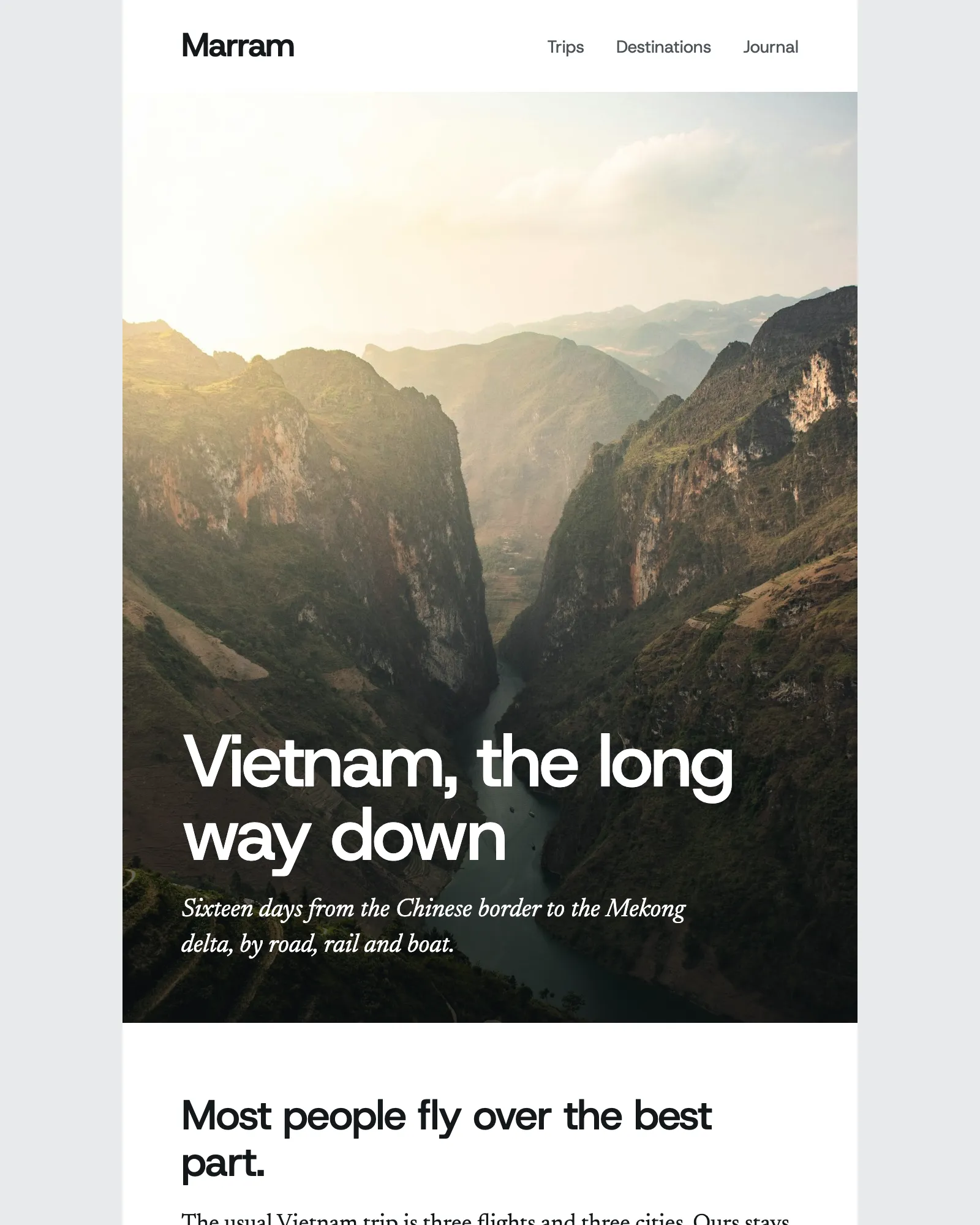
What a destination email does
Some trips don’t sell from a card. Sixteen days down the length of Vietnam needs room to explain itself: what the road north of Ha Giang is like, why the night train is the right way to reach Hue, who is driving. A destination email gives one journey that room, then puts the dates and the price at the end for the reader who is already halfway there.
This template is built for that kind of email. The hero sets the headline and a standfirst over a tall photo, and the Editorial module does most of the work after it, with one photo, a pair or none, a caption and a drop cap. A pull quote breaks up the reading. All of that is written by hand. The Featured trip and the Destination guide at the end fill from WordPress, so the duration, group size, next departure and price are the ones on the site.
Marram is a made-up company, so replace the story, the trip and the photos with your own before you send. To pick from your own trips, connect your site with the WordPress integration. For a monthly round-up of several trips, the travel newsletter is built from the same template.
What's in the template
Seven kinds of module between the header and the footer, with the Editorial used four times. Two fill from WordPress: the Featured trip and the Destination guide.
From this page to your ESP
Three steps, and none of them involves code.
- Open it in the editorClick Open in editor. The email opens in Modular Mail's editor in your browser, already linked to the demo WordPress site, with no account to create and nothing to install.
- Write the story, then pick the tripType over the headline and each Editorial section, and add, remove or reorder sections to suit the journey. Open the Featured trip and choose Change post to pick the trip the story leads to. Your changes stay in this browser until you reset them.
- Export the HTMLClick Export, then Copy HTML or Download. Add the file to your ESP as a new campaign, choose who gets it and schedule the send.
Works with any ESP
Modular Mail exports the HTML and your ESP sends it. A few things to do once you've imported the file.
Exports to the ESP you already use
- Klaviyo
- Braze
- Salesforce Marketing Cloud
- Iterable
- Bloomreach
- HubSpot
- Marketo
- Customer.io
- Mailchimp
- and any platform that sends HTML email
Is Marram a real company?
No. Marram, its people, trips, prices, phone number and address are made up, and the trip and the guide come from a demo WordPress site. The photos in the story are from Unsplash. Replace all of it with your own before you send anything.
How long can the story be?
As long as it needs. The Editorial module repeats, so add one for each stage of the journey and remove the ones you don't need. Bear in mind that Gmail clips an email whose HTML passes about 102 KB, so send yourself a test of a very long one.
Can I fill the trip from my own WordPress site?
Yes, in a Modular Mail workspace. Your site admin installs the Modular Mail plugin, ticks the post types to share and maps their fields, and the Featured trip and the Destination guide then fill from your own trips and guides.
Do I need WordPress to use it?
No. The fills need a WordPress site with the plugin, but the story is written by hand anyway, and the trip's name, facts and price can be typed in like any other field.
Is the template free, and do I need an account?
It's free and there's no account. Open it, edit it and export the HTML without signing up, adding a card or giving an email address.
Is this the same template as the travel newsletter?
Yes. Both emails are built from one template of twelve modules, and each uses the ones it needs. Add module lists the rest, including the Founder message, the Offer banner, the Trip cards and From the journal.
Can I change the colours and fonts?
The email's Settings have a colour theme, Straw, Sea or Clay, which changes the ink and accent colours throughout. Headings are in Host Grotesk and body text in Newsreader where an email client loads web fonts, falling back to Helvetica or Arial and to Georgia.
Will it work with my ESP?
Yes, if your platform accepts HTML email. The exported file imports into Mailchimp, HubSpot, Klaviyo, Campaign Monitor, Salesforce Marketing Cloud and Braze, among others.
Other free templates
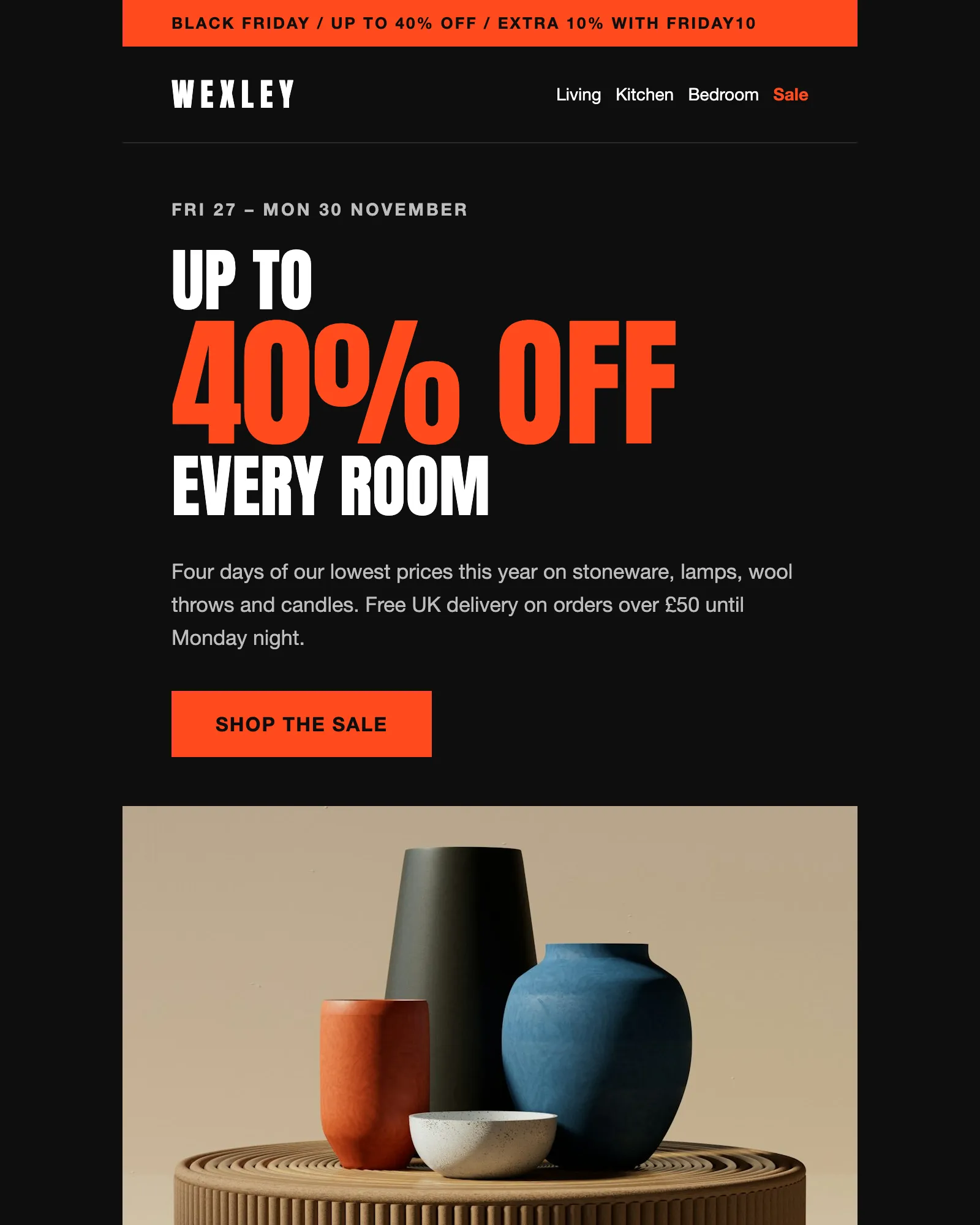
Black Friday · Sale · Ecommerce
Black Friday email template
A four-day sale with a headline discount, an extra code, six reduced products and the terms.
See the template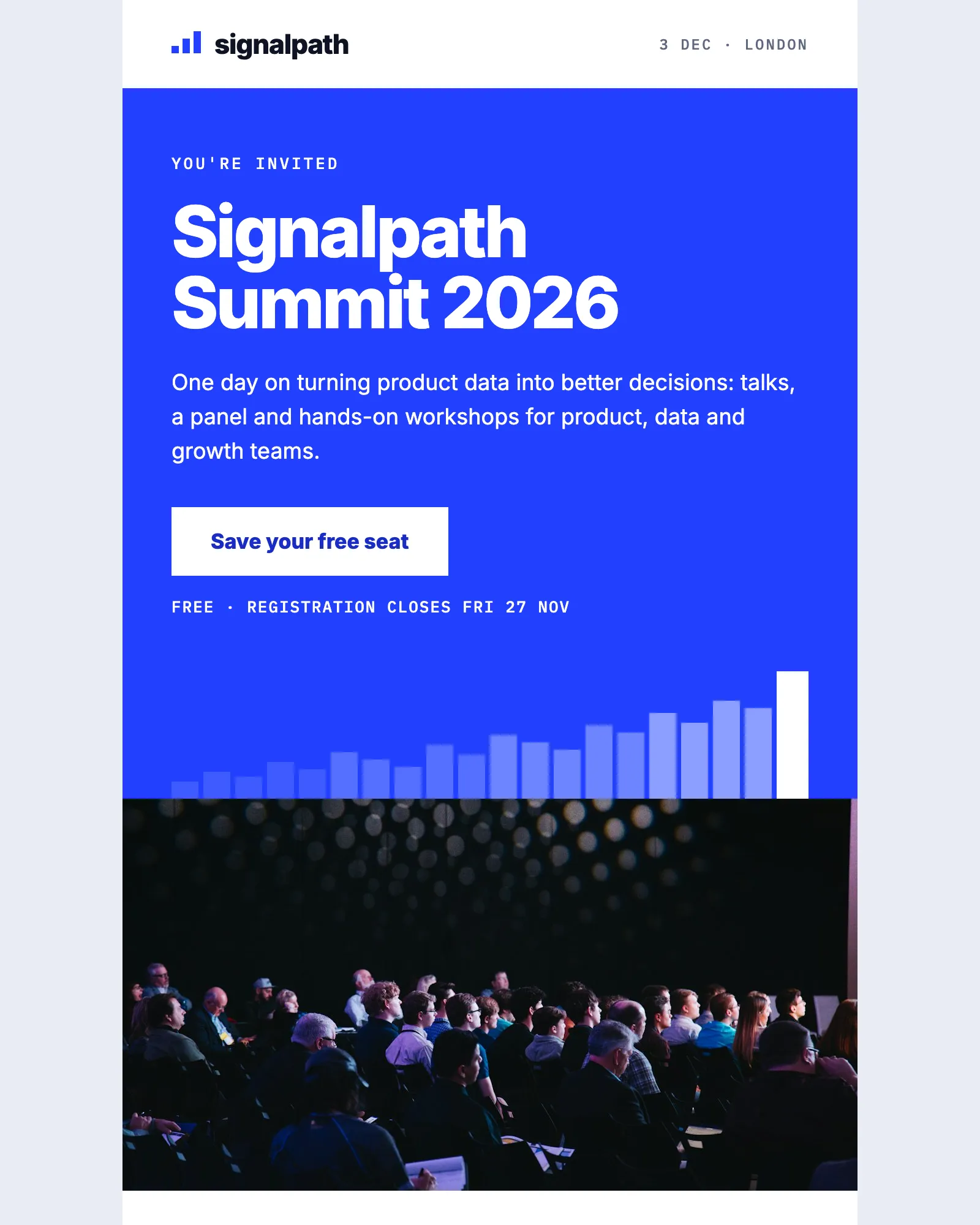
Event · Conference · Webinar
Event invitation email template
Invites people to a one-day event, with the agenda, speakers, venue and add-to-calendar links.
See the template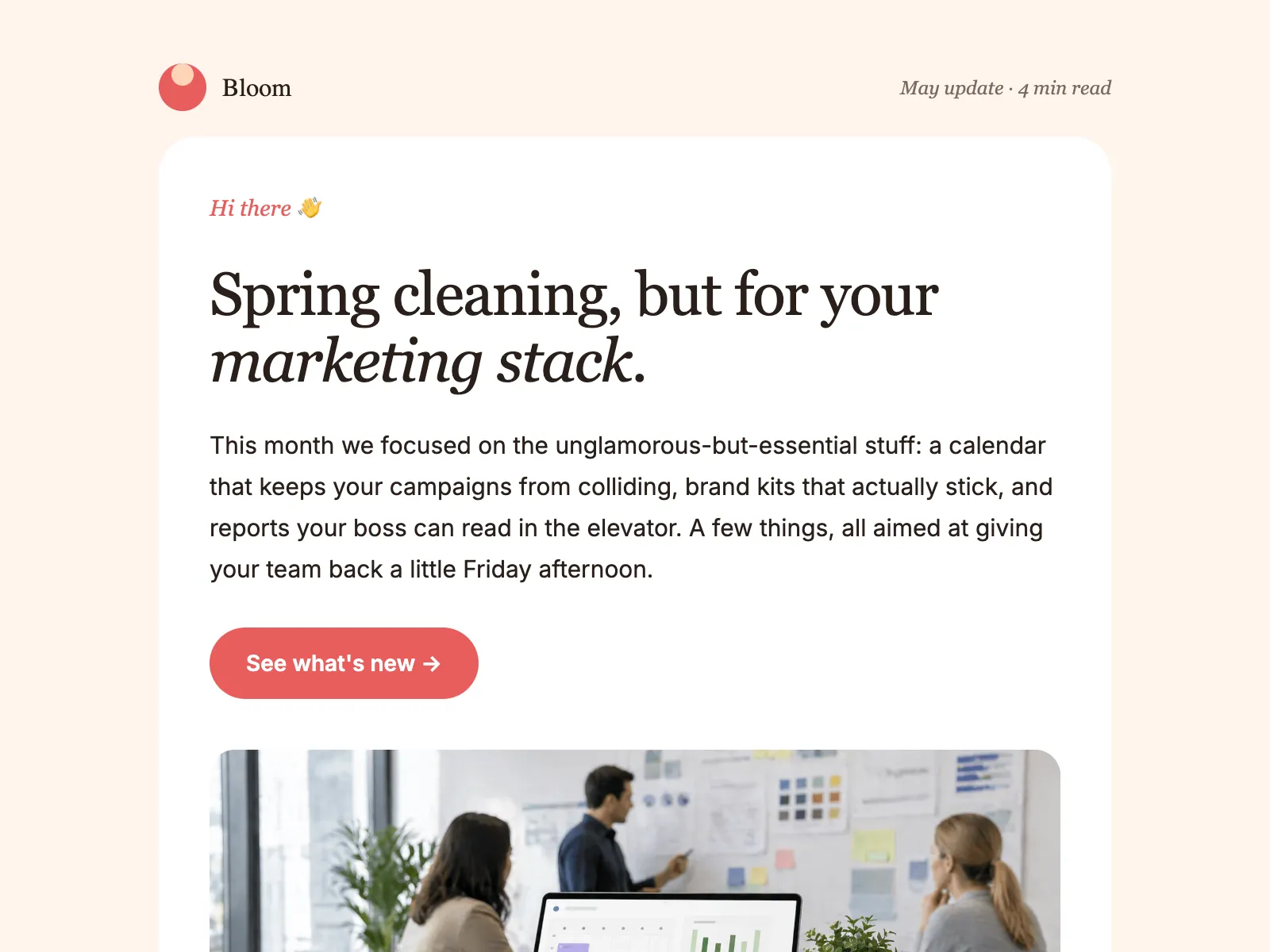
Newsletter · Product update · Company update
Monthly newsletter email template
An editorial layout for the email you send every month: a lead story, update blocks, tips and an event.
See the template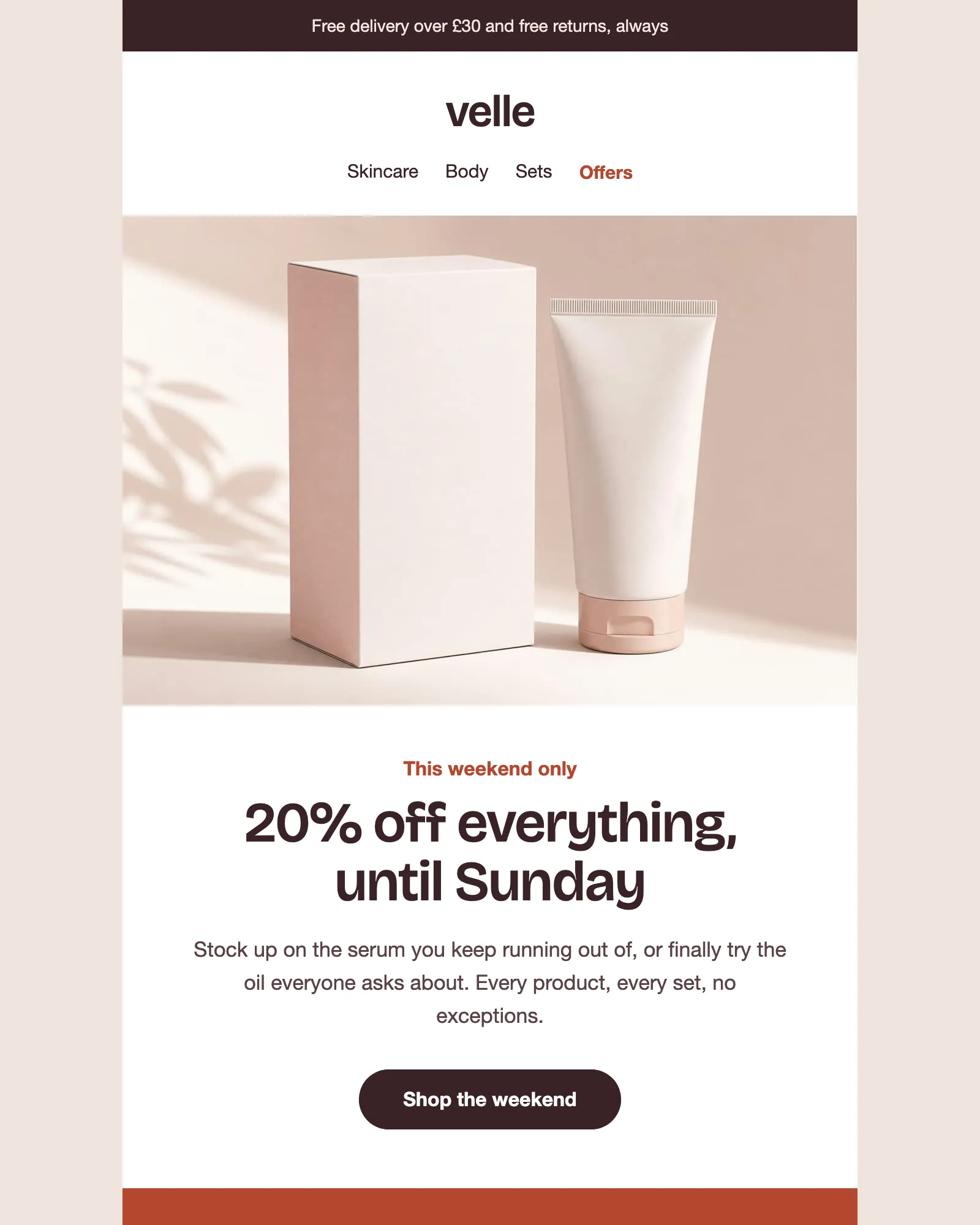
Promotion · Sale · Discount code
Promotional email template
A weekend sale with a discount code, bestsellers at sale prices, a free gift and the terms.
See the template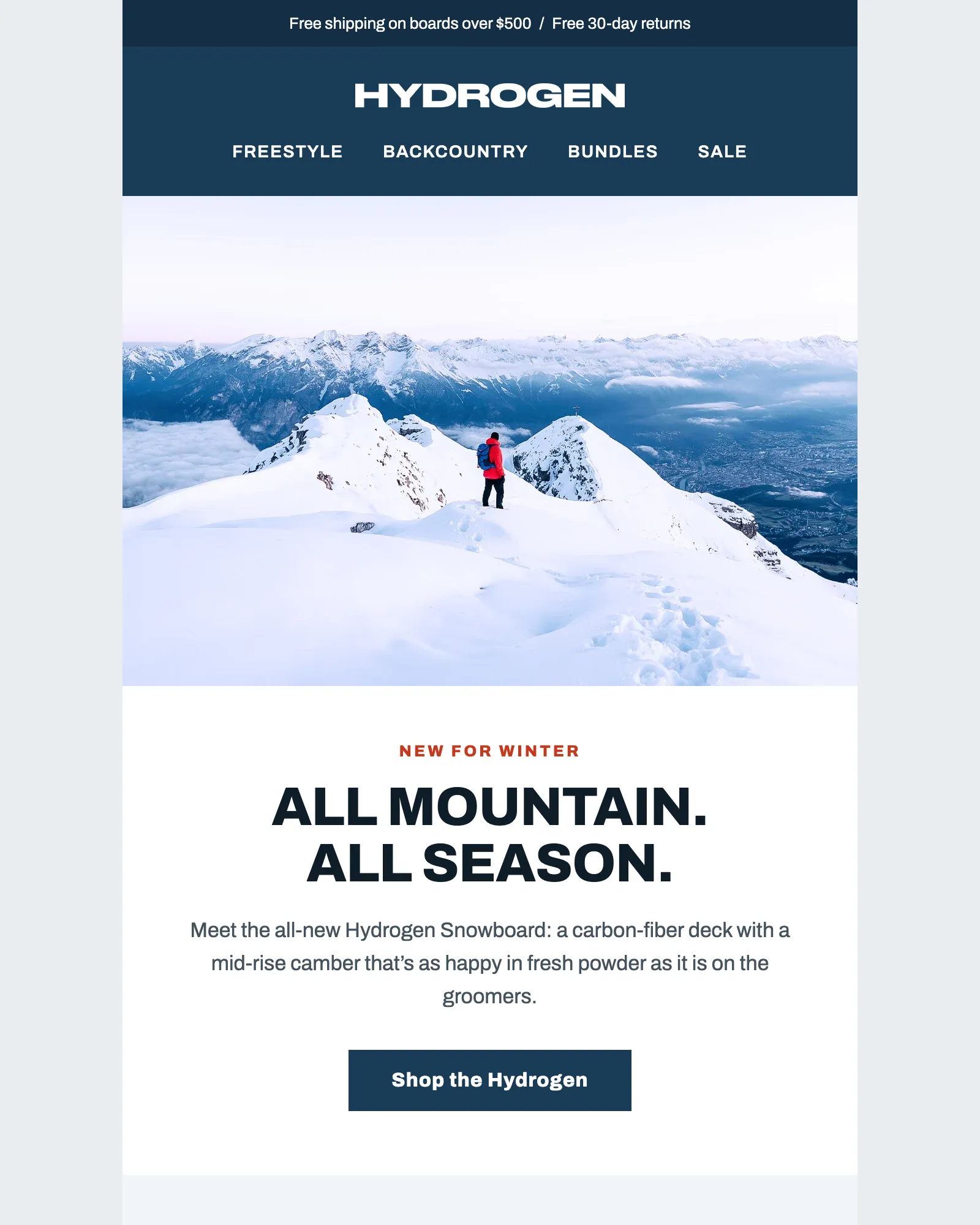
Shopify · Product launch · Ecommerce
Shopify product email template
A snowboard launch with a featured product, a product grid and a review, all filled by searching a Shopify demo store.
See the template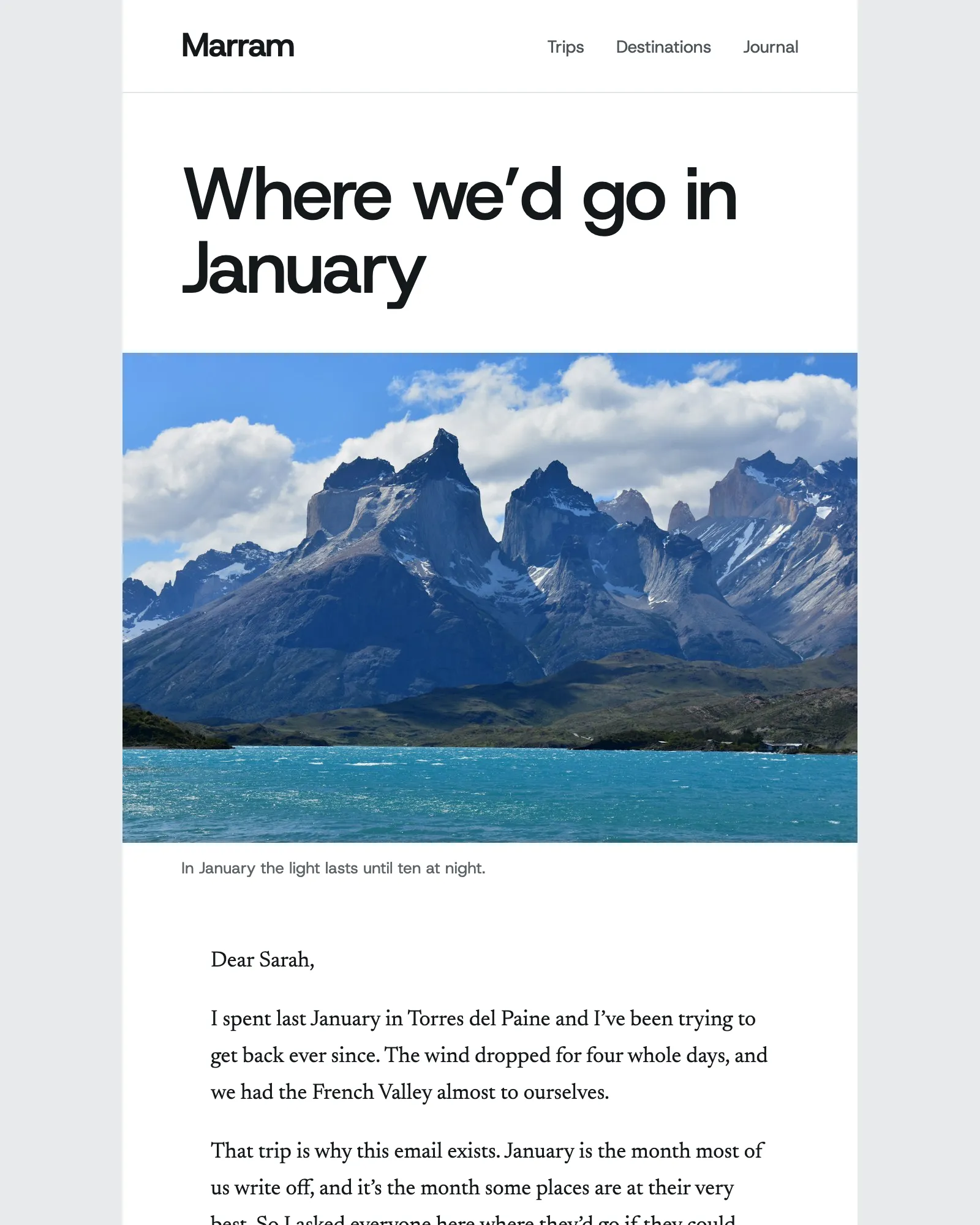
Travel · Newsletter · Tour operator
Travel newsletter email template
A what's-on newsletter with a founder's letter, an offer, six trip cards, destination guides and journal posts, filled from a WordPress demo site.
See the template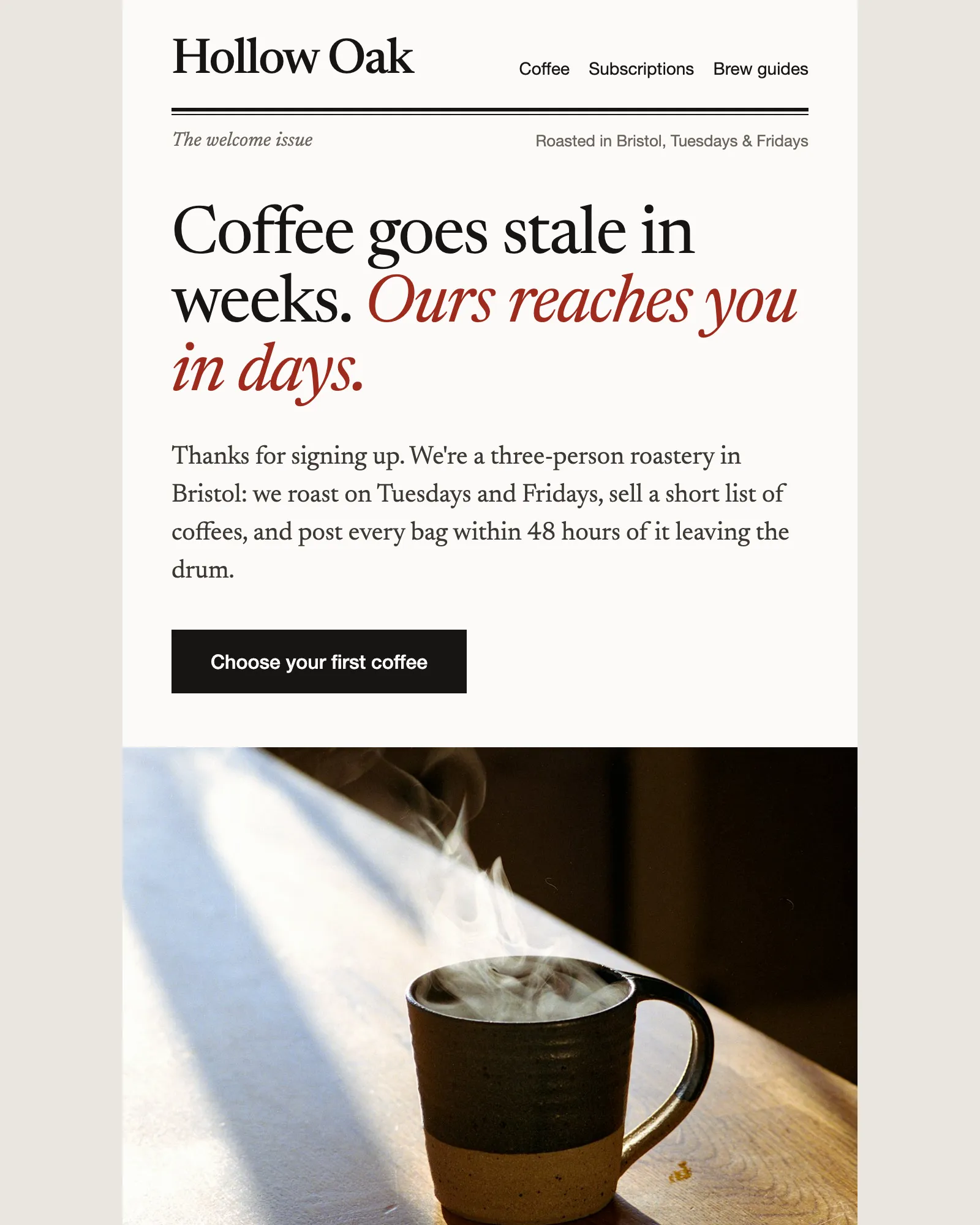
Welcome · Ecommerce · Discount code
Ecommerce welcome email template
Says hello, gives a first-order discount and recommends where to start, then hands over to the founder.
See the templateGet the next template by email
One email when a new template is added, a month at most.
Unsubscribe any time. Privacy policy
See your own email in Modular Mail.
Send us a recent campaign. We'll rebuild it before the call, so you can see exactly how your team would work.