Shopify product email template
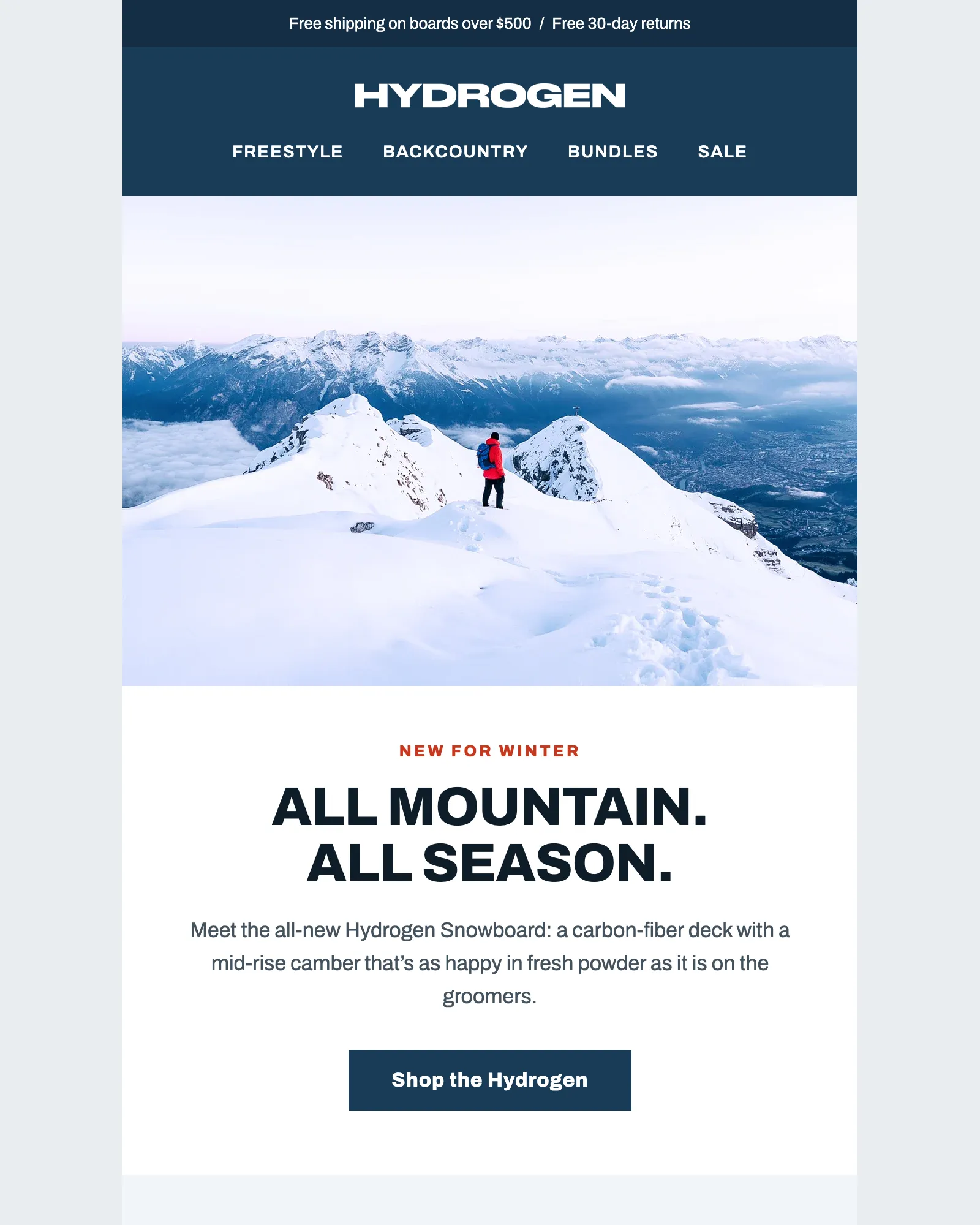
A product launch email for a Shopify store, linked to Shopify's Hydrogen demo shop so you can try it: search for a product and the grid, the featured product and the review fill themselves. Export the HTML to Klaviyo, Braze, Salesforce Marketing Cloud or any other ESP.
No account needed. Your changes stay in your browser until you export the HTML.
What a product email does
A product email is only as good as its products. The photos, names and prices have to match the store on the day it goes out, and in most teams that means copying each one out of Shopify by hand, then checking them all again before the send.
This template is linked to Hydrogen, the demo snowboard shop Shopify uses to show off headless storefronts. Open it, search for a board, tick it, and its card fills with the photo, name, price and the right badge. The Featured product and the Review fill from a single pick in the same way.
Hydrogen is a demo shop, so replace the products, copy and links with your own before you send anything. To pick from your own catalogue, connect your store with the Shopify integration.
What's in the template
Eight modules between the header and the footer. Three of them fill from Shopify: the Featured product, the Product grid and the Review.
From this page to your ESP
Three steps, and none of them involves code.
- Open it in the editorClick Open in editor. The template opens in Modular Mail's editor in your browser, already linked to the demo store, with no account to create and nothing to install.
- Pick the productsOpen the Product grid, choose Add, then Products, and search the store by name or SKU. Tick the boards you want and the cards fill in. The Featured product and the Review each have Fill from a product for a single pick. Your changes stay in this browser until you reset them.
- Export the HTMLClick Export, then Copy HTML or Download. Upload the file to your ESP, add your merge tags and unsubscribe tag, choose the segment and schedule the send.
Works with any ESP
Modular Mail exports the HTML and your ESP sends it. A few things to do once you've imported the file.
Exports to the ESP you already use
- Klaviyo
- Braze
- Salesforce Marketing Cloud
- Iterable
- Bloomreach
- HubSpot
- Marketo
- Customer.io
- Mailchimp
- and any platform that sends HTML email
What is the Hydrogen store?
A made-up snowboard shop that Shopify runs to demonstrate Hydrogen, its framework for headless storefronts. The template is linked to it so you can try searching for products without connecting a store of your own.
Can I use it with my own Shopify store?
Yes, in a Modular Mail workspace. Connect your store with its .myshopify.com address and a Storefront access token, and the Featured product, Product grid and Review fill from your own products instead. There's no Shopify app to install.
Is the template free, and do I need an account?
It's free and there's no account. Open it, pick products, edit it and export the HTML without signing up, adding a card or giving an email address.
Which product details fill in?
The photo, name, price, was price, vendor and product links, and the Sale and Sold out badges switch on to match the product. The Featured product's description and stock line are typed in, so you can write them for the send.
Can I change a product's text after picking it?
Yes. Everything a pick fills in is ordinary text you can edit. To swap a product, open its menu and choose Change, or Update to fill it again from the store.
How many products can the grid show?
Up to 12. It starts with six, three to a row on desktop and two on phones, so add or remove them in threes to keep the desktop rows full.
Will it work with my ESP?
Yes, if your platform accepts HTML email. The products are in the HTML when you export it, and the file imports into Klaviyo, Braze, Salesforce Marketing Cloud, HubSpot, Marketo, Iterable, Mailchimp and Customer.io, among others.
Other free templates
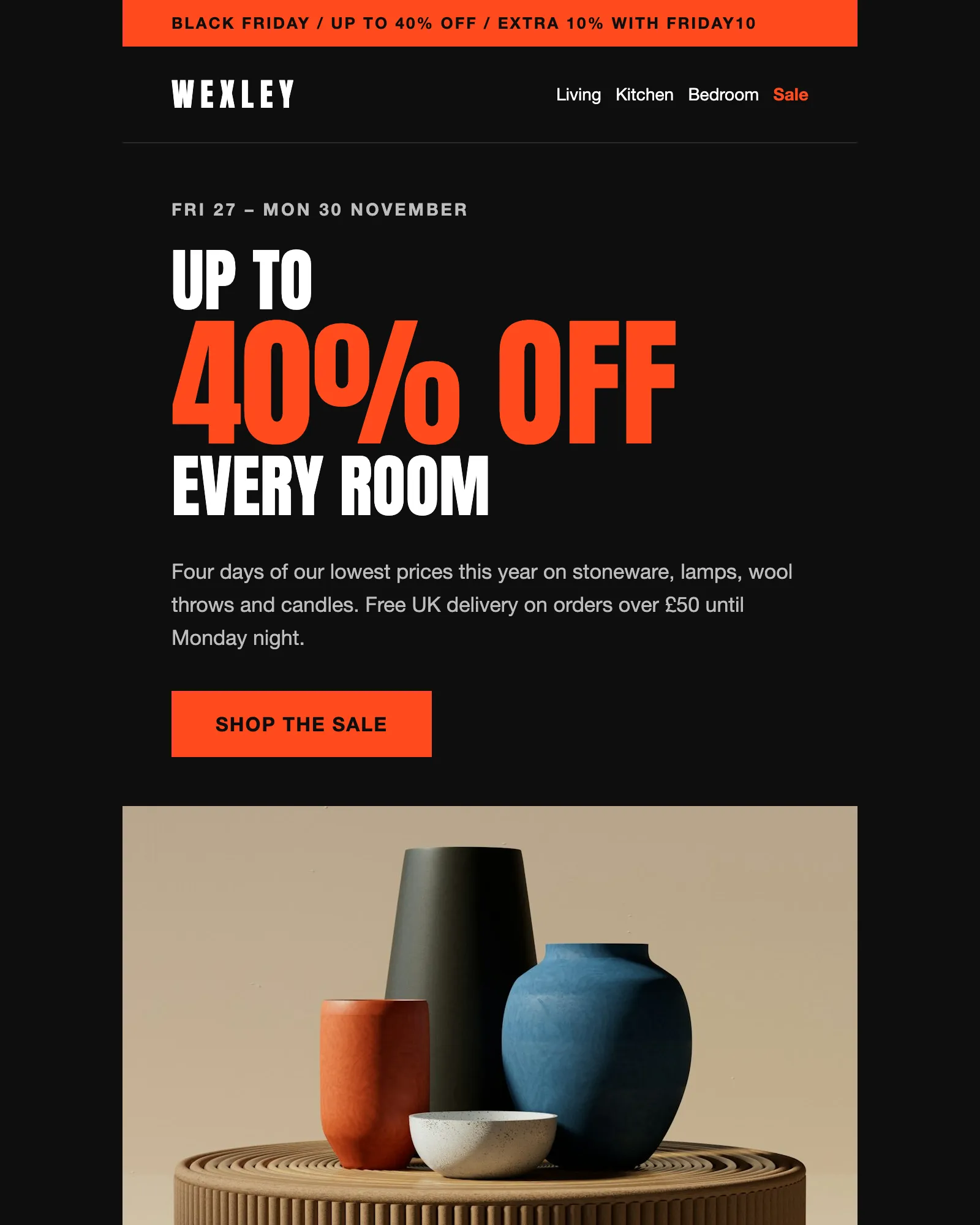
Black Friday · Sale · Ecommerce
Black Friday email template
A four-day sale with a headline discount, an extra code, six reduced products and the terms.
See the template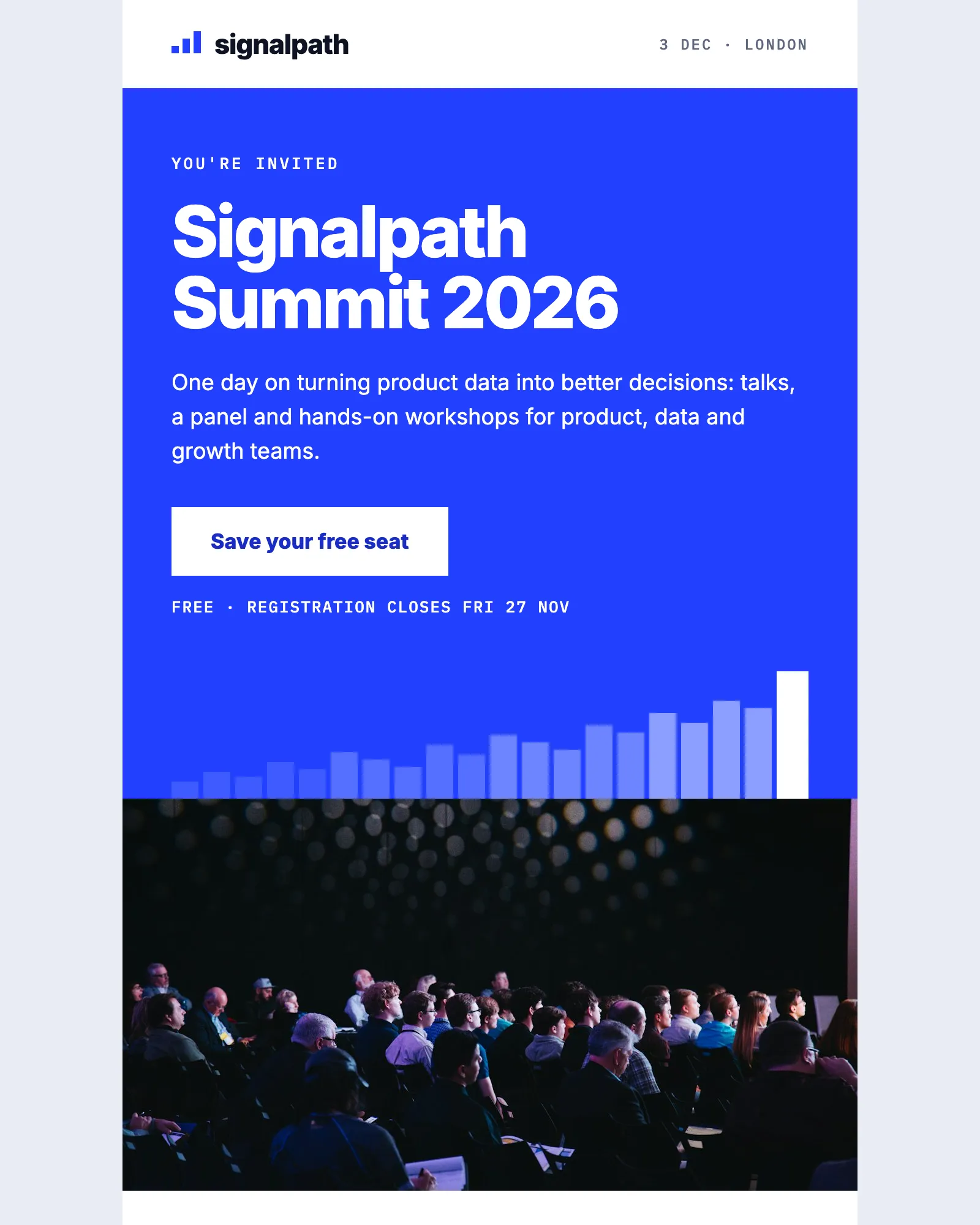
Event · Conference · Webinar
Event invitation email template
Invites people to a one-day event, with the agenda, speakers, venue and add-to-calendar links.
See the template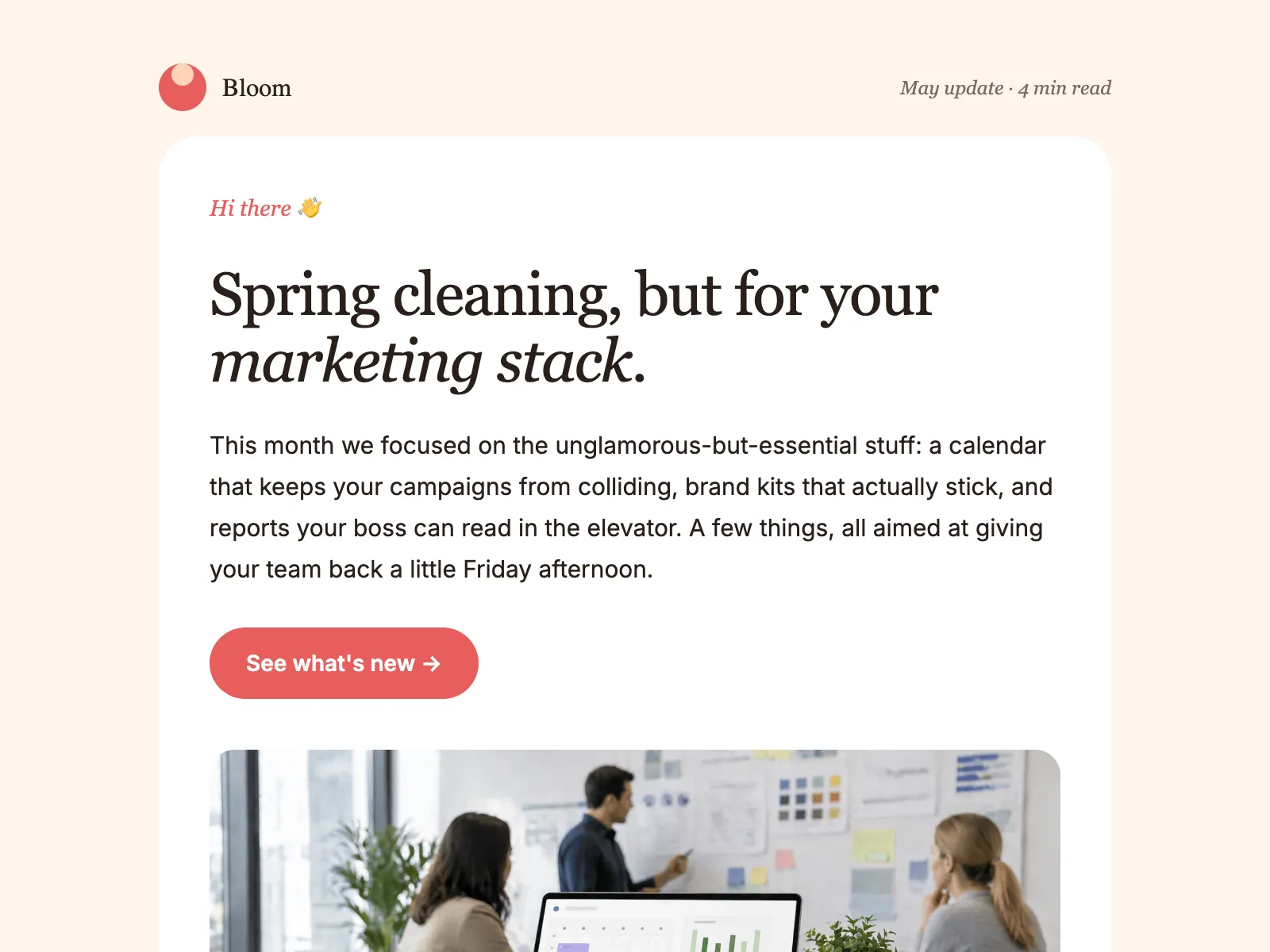
Newsletter · Product update · Company update
Monthly newsletter email template
An editorial layout for the email you send every month: a lead story, update blocks, tips and an event.
See the template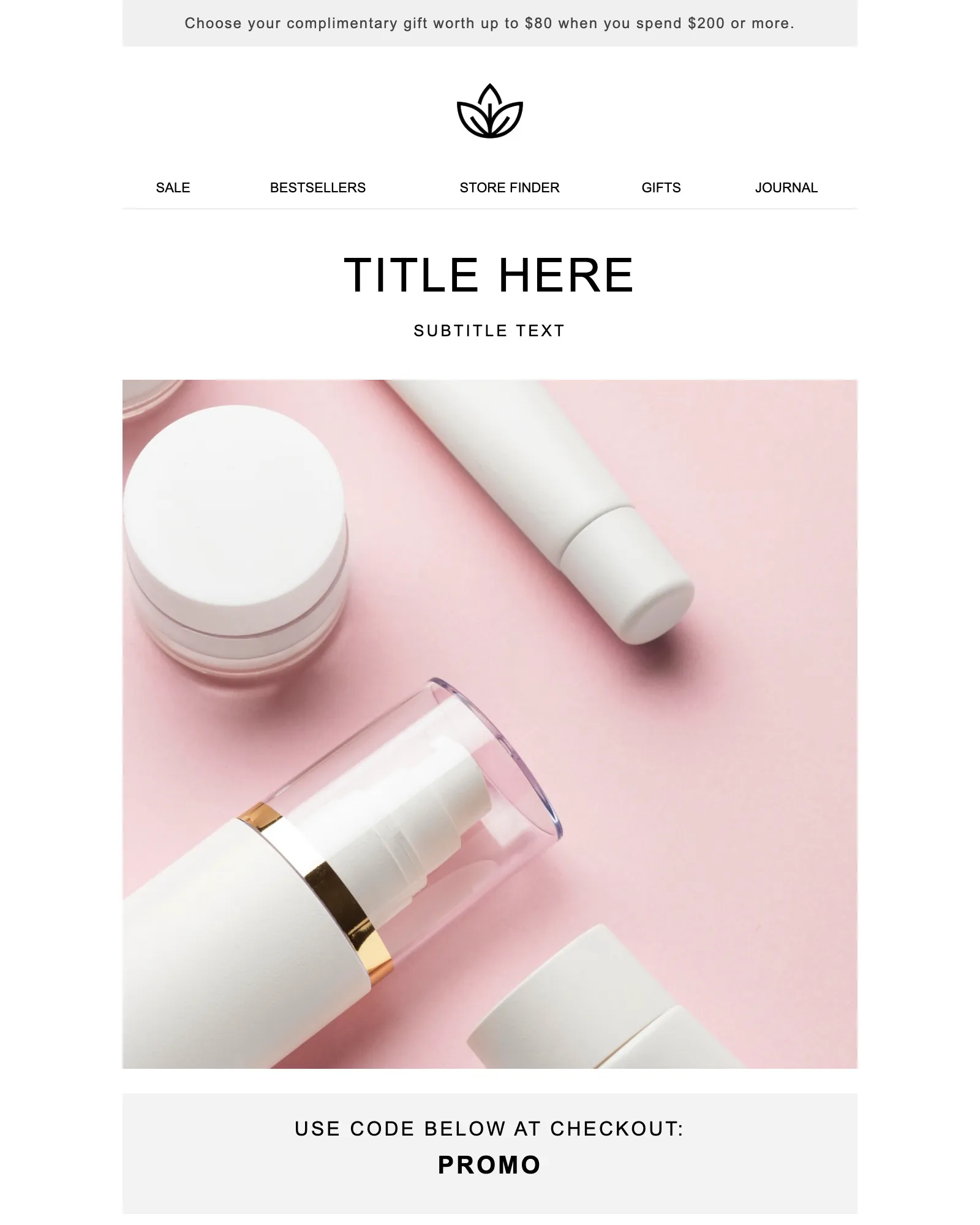
Promotion · Sale · Launch
Promotional email template
One offer and one button, with a promo code banner and the terms your legal team asks for.
See the template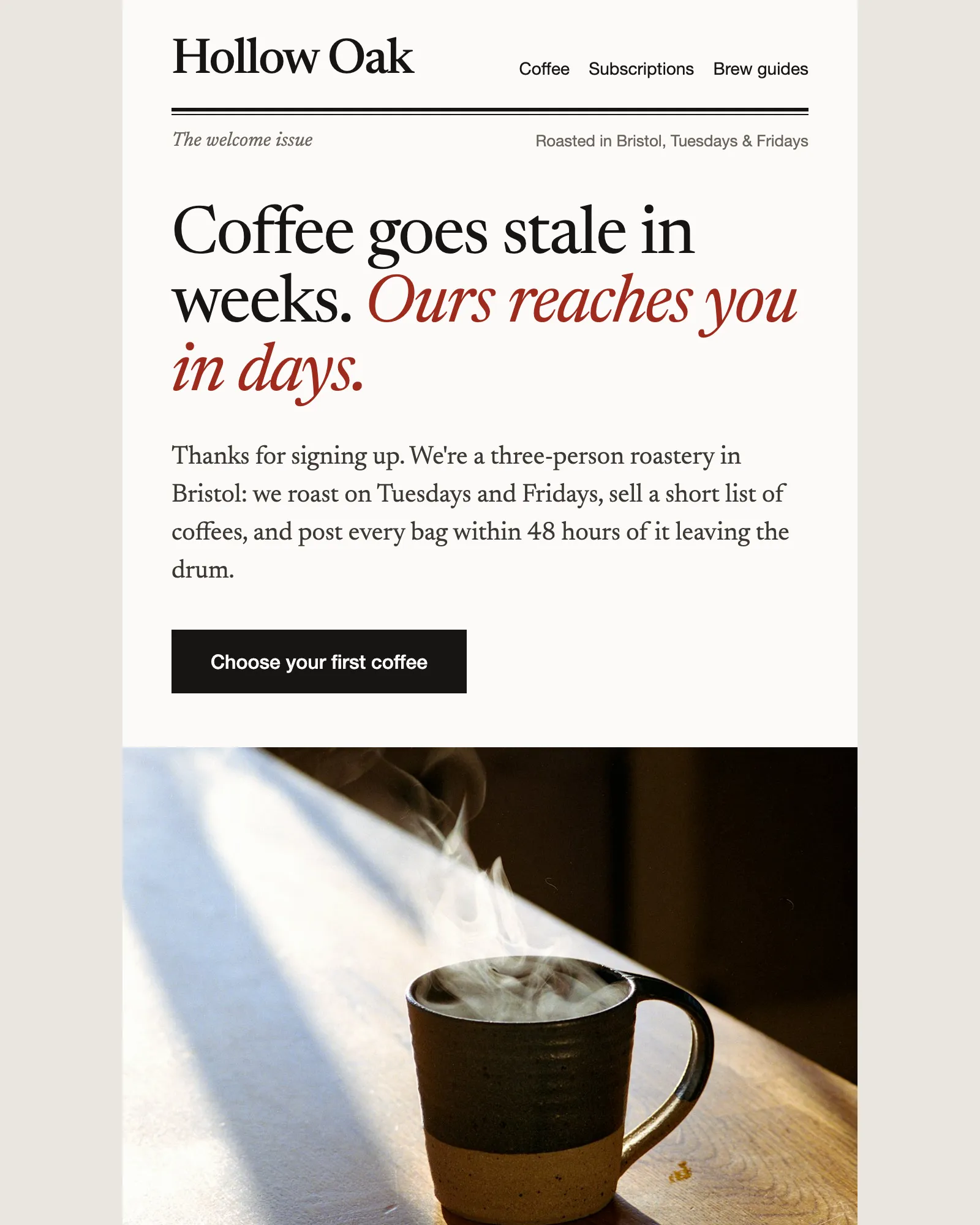
Welcome · Ecommerce · Discount code
Ecommerce welcome email template
Says hello, gives a first-order discount and recommends where to start, then hands over to the founder.
See the templateSee your own email in Modular Mail.
Send us a recent campaign. We'll rebuild it before the call, so you can see exactly how your team would work.